
All in One SEO for a Small Blog
You have a blog for your small business. You know it should bring in customers. And you have maybe an hour a week to deal with it, if that. So when someone says "just install all in one seo and you're set," it sounds like the answer you have been waiting for.
This post will help you decide whether that plugin is genuinely enough for your blog, or whether you need more. We will walk through what the free version does, where it stops, and how to choose without wasting money. By the end you will know exactly what to install and what to skip.
What you get in the free plugin versus the paid plans
The free version is not a teaser. It does real work, and for many small blogs it covers the essentials. Here is what each tier gives you:
- The free plan handles titles and meta descriptions for every post, and it writes sensible defaults so you are not starting from a blank field.
- It generates an XML sitemap automatically, which helps search engines find your pages without you touching a setting.
- Basic schema markup is included, so search engines get structured clues about your pages and posts.
- Paid tiers add redirects, internal link suggestions, and local SEO modules that the free version leaves out.
- A feature table on the plugin's own site compares every tier side by side, and it is worth reading before you commit.
The price jump from free to Pro is the real decision point. If you only need titles, descriptions, and a sitemap, stay free.
Why a small business blog usually needs one plugin
Every plugin you add is another thing that can break. Fewer plugins means fewer update conflicts, and it usually means faster pages, because each one loads its own code. That matters when your site is small and you cannot afford a developer on call.
One settings screen is also a gift. Instead of learning four dashboards, you learn one, and you actually use it. For a blog with under 50 posts, the built-in features cover the basics well: titles, descriptions, sitemaps, and schema. That is most of what a small blog needs.
I have seen solo bloggers who never need a second tool. They publish a few times a month, write about their own services, and the plugin handles everything. If that sounds like you, do not overthink it.
The honest caveat
One plugin is enough for publishing. It is not enough for strategy. Keep that distinction in mind as you read the next section.
The three jobs a single plugin cannot do well
The plugin lives inside your site. It sees your posts and helps you present them. It cannot see the wider market, and that is where the gaps show up. Here are the jobs it cannot do well:
- Keyword research beyond what the plugin suggests. It can flag a phrase you already typed, but it will not tell you what your customers actually search for before they know your name.
- Competitor gap analysis and content briefs. It cannot show you which topics a rival ranks for that you have never written about, so you end up guessing at what to publish next.
- Technical audits that flag crawl and speed issues. A plugin can warn you about a missing description, but it will not tell you that a broken internal link is blocking a page from being indexed.
- Tracking how your rankings move over months. The plugin shows you settings, not trends, so you cannot tell whether your work is paying off.
Each gap is a strategy job, not a publishing job. You can fill them with a separate tool or with help, but you cannot wish them away.
Where local blog posts hit the limits of all in one seo
Local search is a different game, and this is where the free version starts to feel thin. The local business schema fields are shallow, so you get the basics but not the depth that map results reward. That is fine for a simple service page and less fine for a blog that needs to signal where you work.
There is no built-in citation tracking or map pack tracking. You will not see whether your business shows up in the local results for the phrases that matter. For a single location, that is a minor annoyance. For multi-location posts, it becomes real work, because each location needs its own schema and you end up editing it by hand.
The usual workaround is a separate local SEO plugin that handles location data properly. I would start there rather than fight the free version's limits.
One location or several?
If you serve one area, the free schema is probably fine. If you serve several, plan for extra tooling from day one.
A five-point checklist before you install it
Before you click install, spend ten minutes on this. It saves you from upgrading out of frustration later. Work through these five points:
- Confirm your post volume and publishing frequency. If you post weekly, the paid tier earns its keep faster than if you post monthly.
- List the features you actually use monthly. Redirects and link suggestions sound great until you realize you never touch them.
- Check compatibility with your theme and cache plugin. A caching layer can hide the plugin's settings or break its sitemap, so test on a staging copy first.
- Decide if local search matters for your topics. If your posts are about your neighborhood or service area, weigh the local modules seriously.
- Set a budget for the paid tier if needed. Know the number before the upsell screen shows it to you.
Run the checklist once and the decision gets much simpler.
What real users say about the plugin after six months
Reviews settle down after the honeymoon. The patterns below show up again and again across review sites, and they are worth knowing before you commit.
- Common praise centers on setup speed and clear defaults. People get a working configuration in minutes, which is exactly what a busy owner needs.
- Common complaints mention upsells and menu clutter. The settings area can feel busy, and the upgrade prompts show up more than some users like.
- Support response times vary by tier. Paid users generally report faster answers, which is a good reason to weigh support when you compare plans.
- The plugin has held up through major WordPress updates, though users report occasional layout shifts after a big release. Keep a backup before you update anything.
None of this is disqualifying. It is the normal wear of a popular plugin.
When to pair it with HaloSEO and when to stay solo
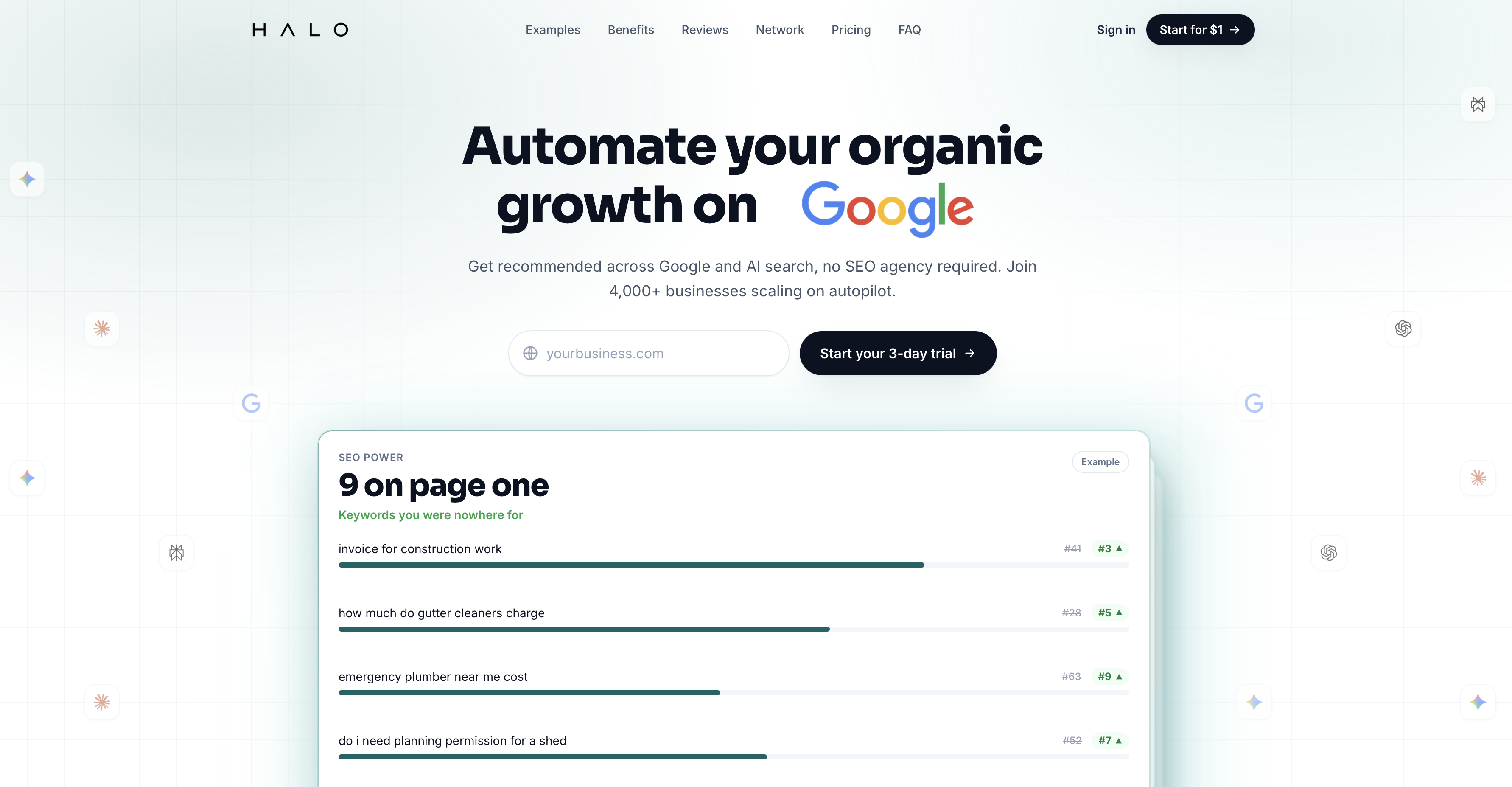
This is the part where we are biased, so read it as a judgement, not a pitch. HaloSEO suits blogs that publish weekly with local intent. If you write about your services, your area, and the questions customers ask before they call, you have strategy work that a plugin cannot do. Our team built HaloSEO to cover that ground: keyword tracking, local schema depth, and the briefs that tell you what to write next.
Stay solo if you post monthly and track rankings manually. At that pace, the plugin plus a notebook is genuinely enough, and you should not pay for more. Pairing adds keyword tracking and local schema depth, which matter when you publish often and serve more than one area.
The decision rule
Count your posts per month and your locations. One or two posts and one location means stay solo. Weekly posts or several locations means pair the plugin with HaloSEO. That rule has not failed me yet.
Your next step after reading this
Do not buy anything today. Install the free plugin and run one post through it. Fill in the title and description, check the schema it generates, and look at the sitemap. Then compare that output to your current setup, honestly, and note what is missing.
Give yourself a week to decide whether to upgrade or add a tool. If you are still unsure, revisit the checklist above. And if your blog grows past 50 posts, come back to this question, because the answer changes with volume. All in one seo is a strong start, not a finish line, and now you know where yours sits.